

GitHub Copilot
⭐ FeaturedThe industry standard for agentic AI coding, now with multi-model freedom.
What is GitHub Copilot?
Is This Tool Right For You?
✓ You are already deeply embedded in the GitHub ecosystem and want seamless integration between your code, issues, and PRs.
✓ You want the flexibility to switch between top-tier AI models like GPT-5, Claude 4, and Gemini 1.5 Pro without multiple subscriptions.
✓ You need a coding assistant that works across all major IDEs, including VS Code, JetBrains, and even Xcode or Neovim.
✓ You are looking for an 'agentic' workflow where the AI can autonomously handle multi-step tasks and terminal commands.
✗ You are a solo developer on a tight budget who finds the new 'Premium Request' metering system too restrictive.
✗ You prefer an AI-native code editor experience (like Cursor) over a plugin-based workflow in a standard IDE.
Quick Verdict
In 2026, GitHub Copilot remains the gold standard for AI-assisted development, but it has evolved from a simple autocomplete tool into a complex, agentic platform. With five distinct pricing tiers and a new 'Premium Request' metering system, it is no longer the 'all-you-can-eat' buffet it once was. However, its strength lies in its versatility—offering access to the world’s best models (GPT-5, Claude 4, etc.) and deep integration with GitHub’s project management tools. For enterprises, the $60/user/month total cost is steep, but the IP indemnity and fine-tuning capabilities make it the safest bet for large-scale deployments. For individuals, the $10 Pro plan is still the best value in the market, provided you don't hit your request limits too early in the month.
What GitHub Copilot Does
GitHub Copilot is an AI-powered developer platform that assists throughout the entire software development lifecycle. At its core, it uses large language models (LLMs) to provide real-time code completions, but in 2026, its capabilities extend far beyond that. It functions as a pair programmer that can chat about complex architectural decisions, an agent that can autonomously navigate your codebase to fix bugs, and a reviewer that can analyze pull requests before they hit production.
The tool operates through extensions in your IDE (Integrated Development Environment) and natively within the GitHub web interface. It leverages 'Agent Mode' to perform multi-step tasks—such as determining which files need editing, executing terminal commands, and iterating on errors—without constant manual input. Furthermore, it now supports 'Model Choice,' allowing developers to toggle between different frontier models optimized for speed, accuracy, or reasoning. Whether you are working in the terminal via the Copilot CLI or managing a massive repository, Copilot acts as a context-aware assistant that understands your entire project structure, not just the file you are currently editing.
Key Strengths
Multi-Model Flexibility: Unlike competitors tied to a single provider, Copilot in 2026 allows you to choose your engine. You can use GPT-5 mini for quick completions, Claude 4 Opus for complex logic, or Gemini 1.5 Pro for massive context windows. This ensures you always have the best tool for the specific coding task at hand.
Autonomous Agentic Workflows: The 'Agent Mode' is a game-changer. It can take a high-level instruction, like 'Add a new API endpoint for user profile updates,' and proceed to create the route, update the controller, and write the necessary database migrations while you focus on higher-level design.
Deep GitHub Integration: The synergy between the IDE and the GitHub web platform is unmatched. You can assign a GitHub Issue to Copilot, and it will work in the background to generate a full Pull Request. This 'Issue-to-PR' automation significantly reduces the time spent on routine maintenance and bug fixes.
Terminal-Native Power: With the General Availability of the Copilot CLI in early 2026, the terminal has become a first-class citizen. It offers agentic development directly on the command line, complete with repository memory and the ability to review, diff, and undo changes instantly.
Real Use Cases
Indie developer shipping features: A solo dev building a SaaS can use the Pro plan to quickly scaffold frontend components and backend logic. By leveraging the 'Agent Mode,' they can offload repetitive tasks like writing unit tests or boilerplate CRUD operations, allowing them to ship updates twice as fast.
Engineering Manager overseeing code quality: Using the Copilot Code Review feature, an EM can automate the first pass of PR reviews. The AI identifies potential security flaws or style inconsistencies, ensuring that human reviewers can focus on the core logic and architectural impact.
DevOps Engineer managing infrastructure: Through the Copilot CLI, a DevOps professional can use natural language to generate complex shell scripts or Kubernetes configurations. The CLI's ability to 'remember' repository context helps in troubleshooting environment-specific issues without digging through documentation.
Marketing team running web campaigns: A technical marketer can use the Free tier's 2,000 monthly completions to make small CSS tweaks or script simple automation tasks on the company website without needing to pull a full-time developer away from core product work.
Enterprise team working on legacy code: Large teams on the Enterprise plan use fine-tuned models trained on their internal codebase. This allows Copilot to suggest code that adheres to proprietary libraries and internal coding standards that a general-purpose AI wouldn't know.
Best For
- VS Code and JetBrains Users: Those who want the most polished, native AI experience within their primary coding environment.
- Teams using GitHub for Project Management: Organizations that want a closed-loop system where AI can see everything from the initial issue to the final deployment.
- Developers who value Model Choice: Users who don't want to be locked into OpenAI and want access to Claude or Gemini models within the same interface.
- Enterprises requiring IP Indemnity: Large companies that need legal protection and strict organizational policy controls over how AI is used.
Who Should Look Elsewhere
- Cursor Enthusiasts: If you want an editor that is built from the ground up around AI (AI-native) rather than a plugin added to an existing editor, Cursor remains a superior choice for many power users.
- Heavy Users on a Budget: If you consistently exceed 300 premium requests a month, the jump from $10 to $39 (Pro+) is steep. Tools like Windsurf might offer different usage profiles that fit your workflow better.
- Offline-Only Developers: Copilot requires a consistent internet connection to function; if you work in high-security air-gapped environments, you may need a local LLM solution.
Limitations
Confusing 'Premium Request' Metering: Even on paid plans, your access to the most powerful models is capped. Once you exhaust your 'Premium Requests' (300 for Pro, 1,500 for Pro+), you may experience slower response times or be forced to use less capable models, which can be frustrating during a heavy development sprint.
High Enterprise Entry Cost: While the base Enterprise seat is $39, the requirement for GitHub Enterprise (GHE) brings the total cost to roughly $60 per user per month. For large teams, this is a significant line item that requires clear ROI proof.
Agentic Errors: While 'Agent Mode' is impressive, it is not perfect. It can occasionally make incorrect assumptions about file structures or run terminal commands that lead to unexpected side effects, requiring the developer to stay vigilant and review every automated change.
Complexity of Plans: With five different tiers (Free, Pro, Pro+, Business, Enterprise), it is becoming increasingly difficult for users to determine which plan provides the specific features they need, such as specific model access or request volumes.
Pricing Overview
In 2026, GitHub Copilot has moved to a tiered structure designed to capture everyone from students to global corporations:
- Free ($0): Aimed at casual users. Includes 2,000 code completions and 50 agent/chat requests per month. Access is limited to lighter models like GPT-5 mini and Haiku 4.5.
- Pro ($10/mo or $100/yr): The standard choice for individuals. Offers unlimited completions and 300 premium requests. Includes the Coding Agent, Code Review, and access to Claude and GPT-5 m.
- Pro+ ($39/mo): For power users. Increases premium requests to 1,500 per month and unlocks 'frontier' models like Claude Opus 4 and OpenAI's o3. No annual discount available.
- Business ($19/user/mo): Adds organizational controls, audit logs, and IP indemnity. Includes 300 premium requests per seat.
- Enterprise ($60/user/mo total): The $39 Copilot fee plus $21 for GitHub Enterprise. Includes fine-tuning on internal codebases, knowledge bases, and advanced security features.
Pricing last verified: May 2026.
Our Assessment
GitHub Copilot in 2026 is a massive, multifaceted platform that has successfully defended its territory against AI-native upstarts. The most significant shift we've observed this year is the transition from 'AI as an assistant' to 'AI as an agent.' The ability to assign an issue to Copilot and have it autonomously generate a PR is no longer a futuristic dream—it is a daily reality for many teams.
However, this power comes with a new layer of complexity: request budgeting. The introduction of 'Premium Requests' means developers now have to think about the 'cost' of their queries, much like an engineering manager thinks about cloud compute credits. This is a departure from the seamless experience of earlier versions, but it reflects the high cost of running frontier models like GPT-5 and Claude 4.
For the individual developer, the $10 Pro plan remains an incredible bargain, essentially giving you a junior developer's worth of labor for the price of two coffees. For the enterprise, the value proposition is different—it's about safety, consistency, and the ability to train the AI on private data. While the $60/month total price point for Enterprise users might cause some sticker shock, the productivity gains in large, complex codebases usually justify the spend. Ease of use remains high, though the sheer number of features (CLI, Agent Mode, MCP servers) means there is now a genuine learning curve to mastering Copilot. Overall, if you want a reliable, multi-model tool that stays within your existing workflow, Copilot is still the one to beat.
Top Alternatives
Cursor — Choose Cursor when you want an AI-native code editor experience with deeper, more fluid integration than a plugin can provide.
Windsurf — Choose Windsurf if you are looking for a highly agentic alternative that offers different request limits and a focus on 'flow' states.
Claude Code — Choose Claude Code if you prefer a terminal-first, minimalist approach that leverages Anthropic's models exclusively.
Frequently Asked Questions
Q: What are 'Premium Requests' and how do they work?
In 2026, Copilot uses a credit-like system called Premium Requests for high-compute tasks like using frontier models (GPT-5, Claude 4) or running the Coding Agent. The $10 Pro plan gives you 300 per month, while the $39 Pro+ plan gives you 1,500. Once these are used, you may be throttled or moved to smaller models.
Q: Can I use GitHub Copilot for free?
Yes, there is a Free tier available in 2026. It provides 2,000 completions and 50 chat/agent requests per month. It's great for hobbyists, and verified students still get a full Pro-level plan for free through the GitHub Student program.
Q: Does Copilot support models other than OpenAI?
Absolutely. As of 2026, Copilot is model-agnostic. You can switch between OpenAI (GPT-5), Anthropic (Claude 4/Sonnet), and Google (Gemini 1.5 Pro) depending on your preference and your subscription tier.
Q: What is 'Agent Mode' in VS Code?
Agent Mode allows Copilot to act autonomously. Instead of just suggesting code, it can browse your files, run terminal commands to test its work, and fix its own errors until the task you assigned is complete.
Q: Is my code used to train Copilot's models?
For individual plans, GitHub uses some data to improve the service unless you opt out. However, for Business and Enterprise plans, GitHub explicitly states that your code is not used for training, and these tiers include IP indemnity for added legal protection.
Last reviewed: May 2026. Features and pricing are subject to change — always verify on the official website.
Screenshots
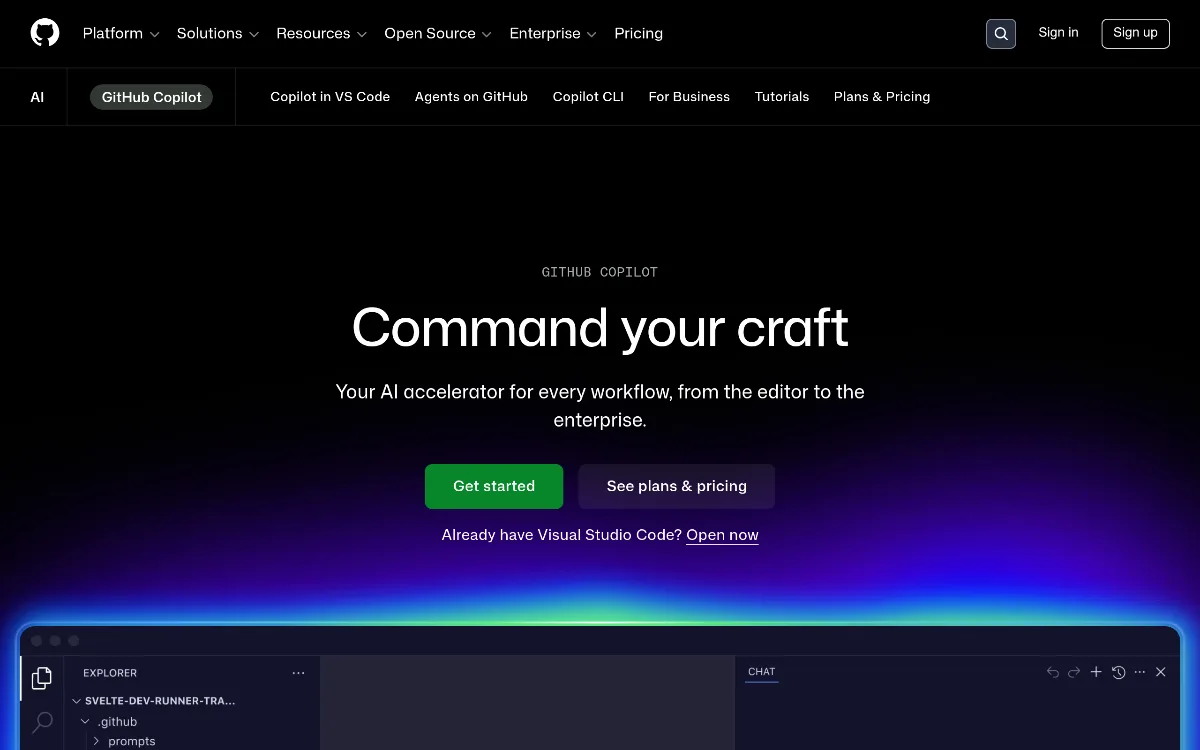 1/1
1/1Key Features
Pricing Plans
Free
$0
Pro
$10/mo
Pro+
$39/mo
Business
$19/user/mo
Enterprise
$60/user/mo
Top GitHub Copilot Alternatives & Competitors
Explore the best similar tools and how they compare.

The AI-native code editor that builds software while you 'vibe.'

Describe an app in plain English — Replit Agent builds and deploys it for you.
User Reviews
0 reviews · 0.0 avg rating
Be the first to review GitHub Copilot
Help the community by sharing your honest experience with this tool.
Write a Review